Home Network Security and SOHO Technology Guides

Most home networks were never properly secured.
Let’s fix that.

Calm, practical guides for securing your home network, protecting your remote work setup,
and staying ahead of AI scams — without needing an IT department.

After 25+ years in IT, I've seen the same fixable mistakes in almost every home and small office network.


TechODash exists to help you find and fix them.

90+ Free Guides • Guides for Every Level • Practical. Not Preachy.

The Secure SOHO Blueprint
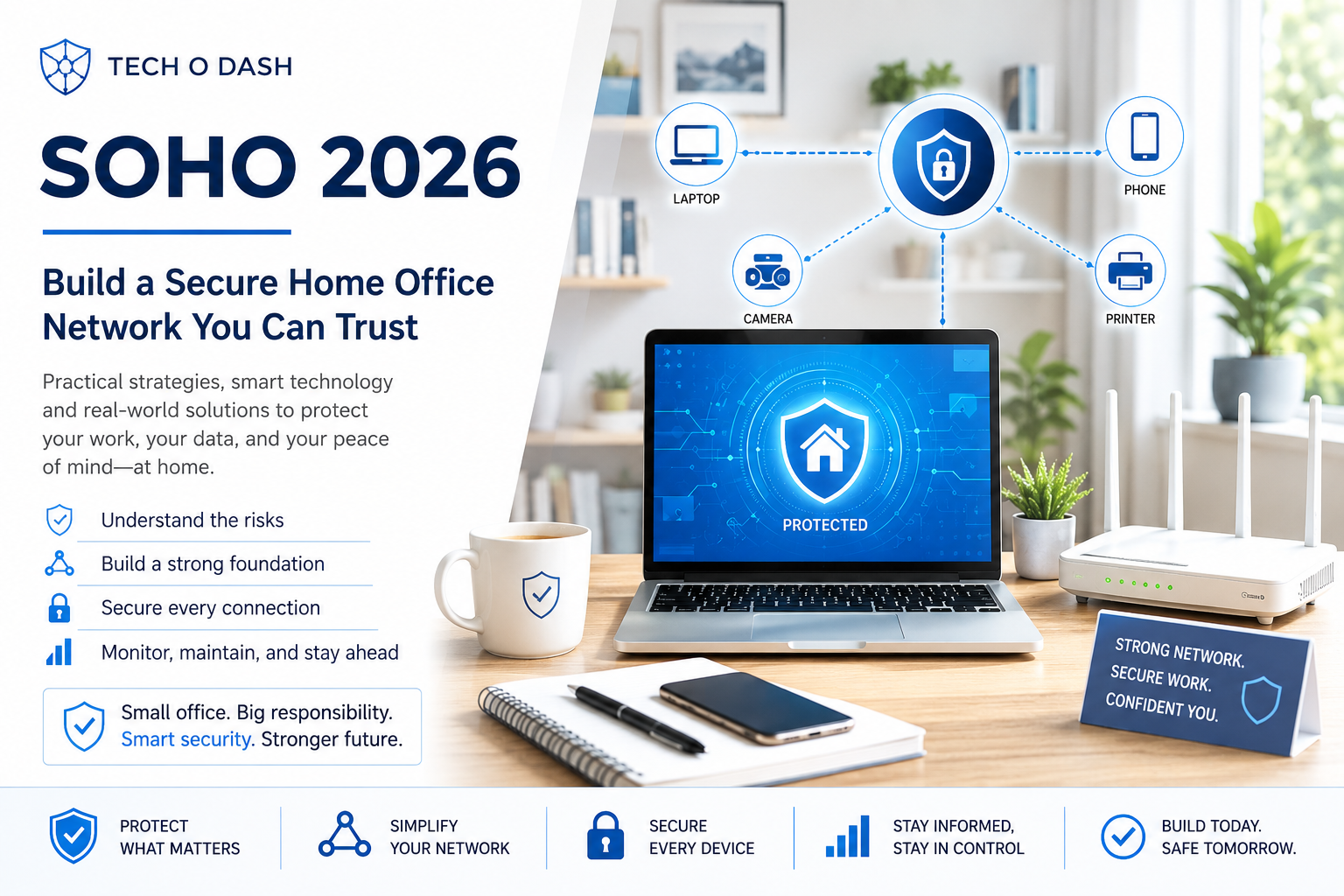
"SOHO 2026 guide cover: build a secure home office network you can trust"


SOHO stands for Small Office / Home Office — and if you work from home, run a small business, or manage your own network without an IT department, that’s you.

The SOHO 2026 Guide is a complete, practical playbook for building a secure, reliable home office or small business network from the ground up. It covers network architecture, device segmentation, remote work security, and Wi-Fi optimization — written in plain English for people who have better things to do than become network engineers.

Built on 25+ years of real-world IT experience.


If you want to start with the basics, our guide on the most common router security mistakes is a solid first stop before diving into the full playbook.

SOHO Reviews

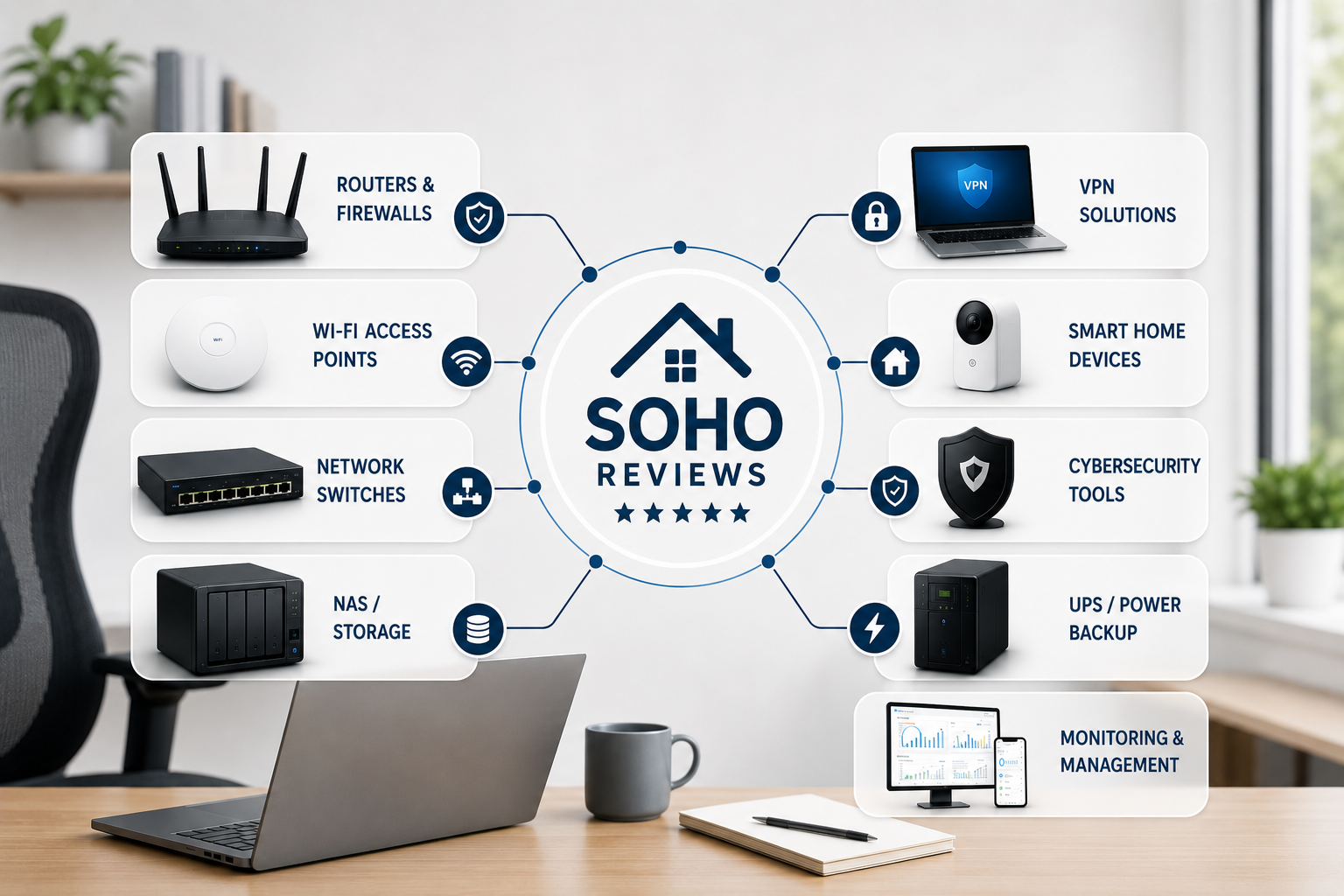
"SOHO Reviews category hub: routers, Wi-Fi access points, network switches, NAS storage, VPN solutions, smart home devices, cybersecurity tools, UPS backup, and monitoring tools"

Your router is five years old. Your ISP’s modem is older. Most people are running hardware they inherited from a previous setup and never questioned. Our reviews cut through the specs and tell you what actually works for home offices and small businesses — and what to skip.

Our first deep-dive is the NETGEAR Nighthawk RS700S review, a good example of what we look at when testing SOHO hardware.

Guides

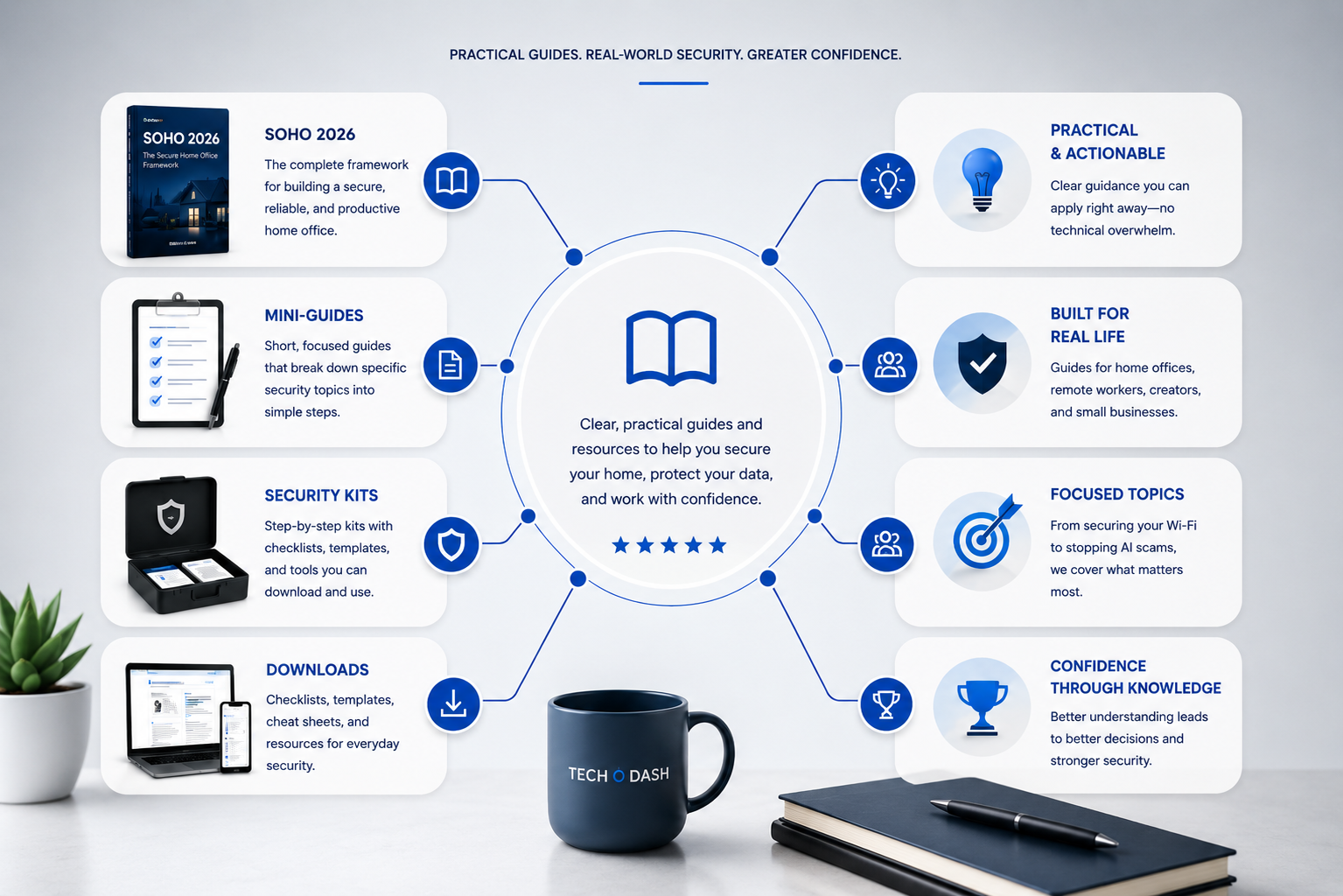
Overview of TechODash guides: mini-guides, security kits, downloads, and focused topics for home office security"


90+ free guides covering home network security, remote work infrastructure, smart home safety, and AI scam defense. Written for people who want to understand their setup — not just follow instructions blindly. Start anywhere. Everything connects.


Home Network Security

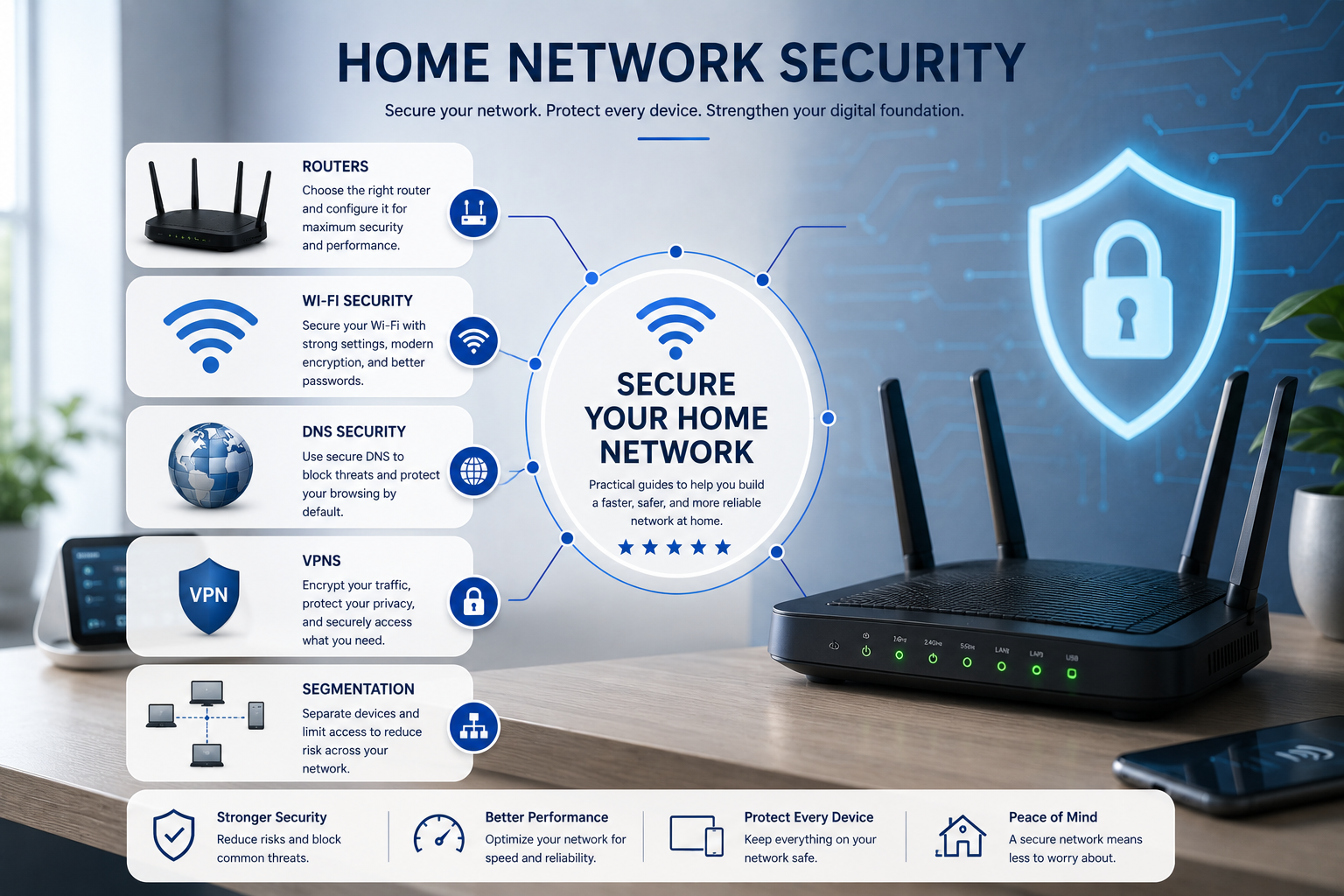
"Home network security diagram covering router setup, Wi-Fi security, DNS security, VPNs, and network segmentation"

Most home networks were set up once and never revisited. Default passwords. Outdated firmware. No guest network. No DNS filtering. This section walks you through fixing all of it — calmly, methodically, and without a networking degree.

Remote Work Security

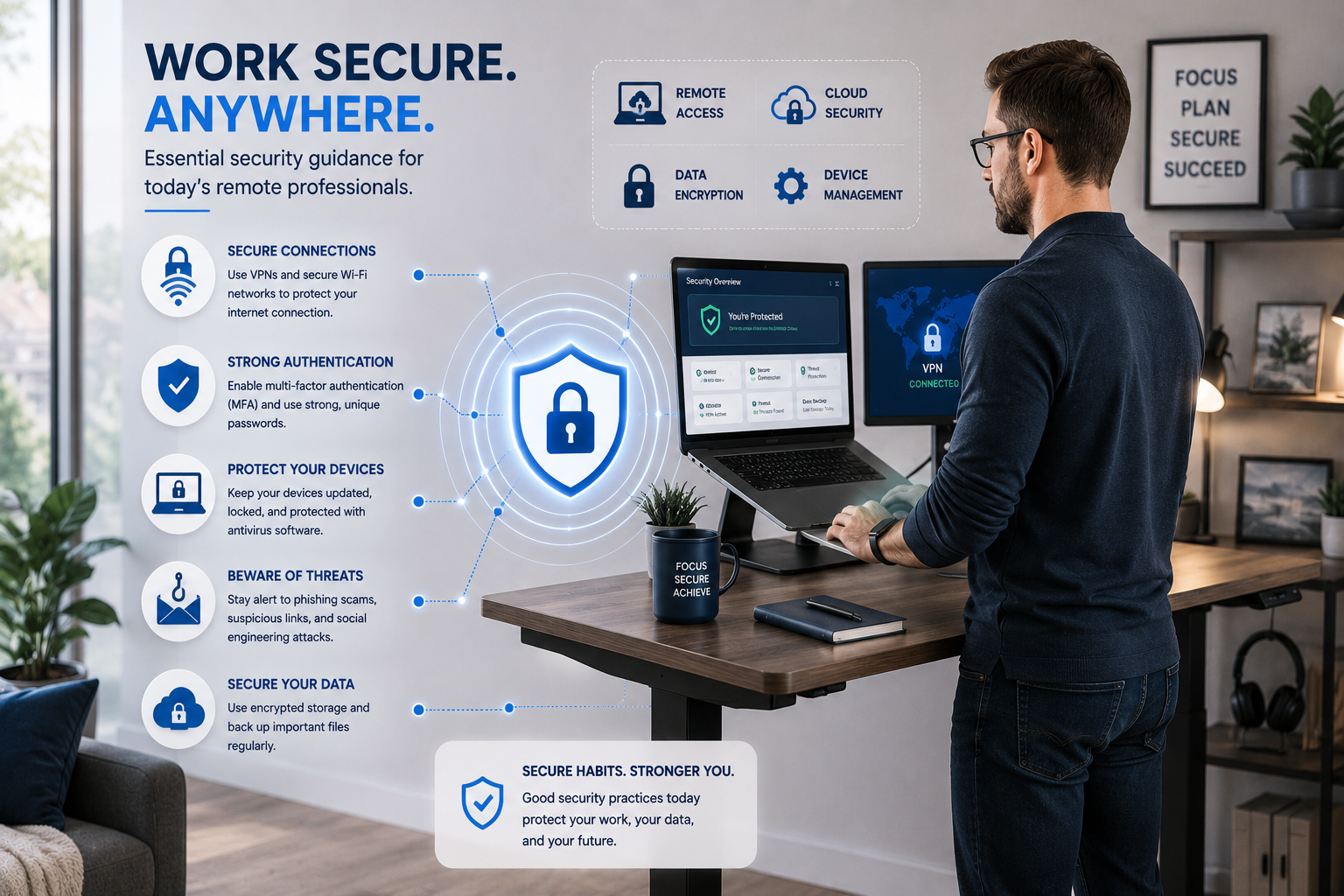
"Remote work security essentials: secure connections, strong authentication, device protection, phishing awareness, and data security"

Your home network is now your office network. That changes what it needs to do — and what it needs to protect. These guides cover the infrastructure side of remote work that nobody talks about: traffic prioritization, VPNs, network separation, and staying secure on the road.

Creator Security

"Creator network security setup showing account protection, content backup, device security, and privacy for content creators"

You’ve built an audience. Your accounts, your content library, and your income all live online. AI-assisted phishing, account takeovers, and fake brand deals are targeting creators specifically. These guides show you how to protect what you’ve built.


AI Scam Defense

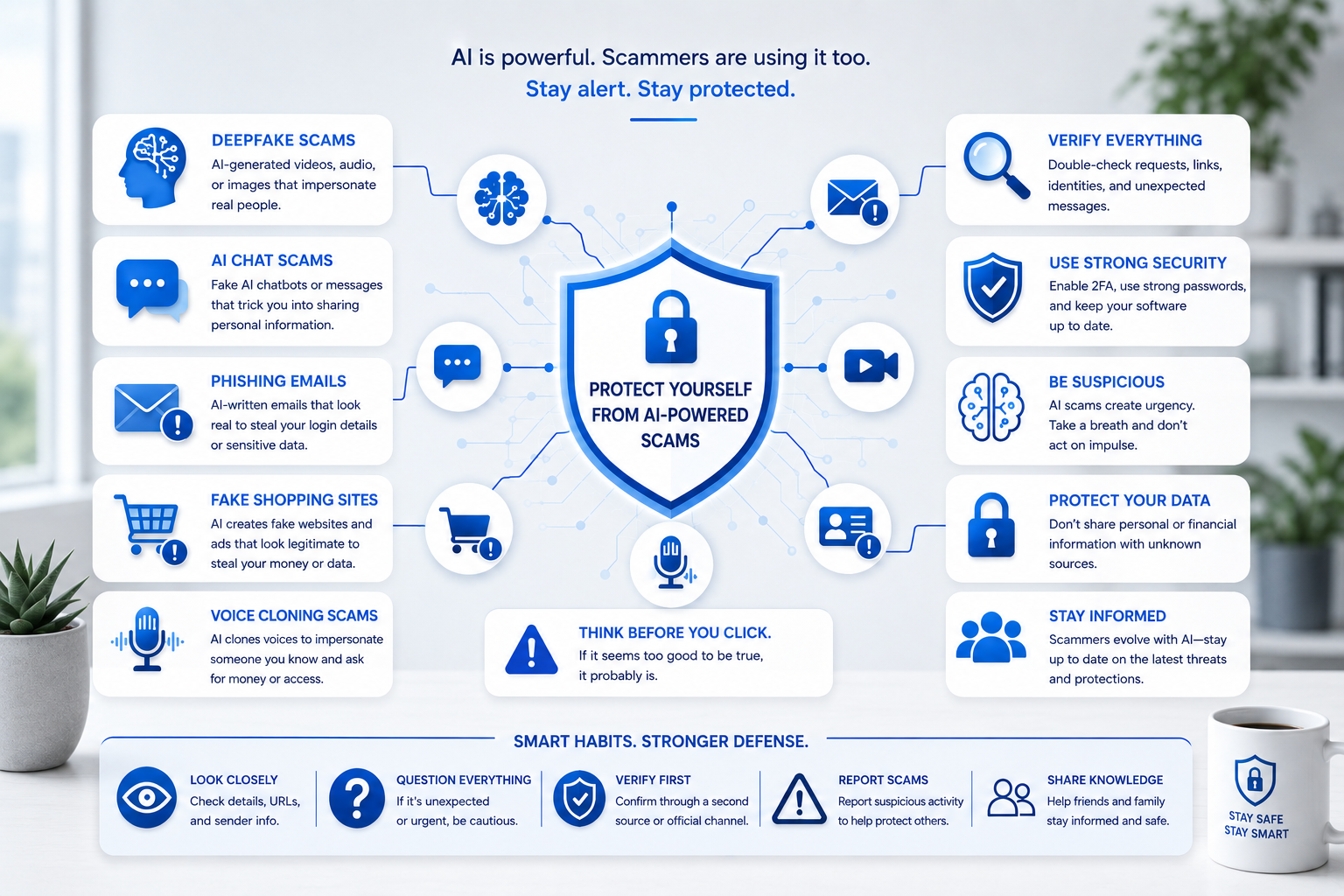
"Guide to protecting yourself from AI-powered scams, including deepfakes, AI chat scams, phishing, and voice cloning"

AI has made scams faster, smarter, and harder to spot. Deepfake voice calls. Fake invoices that look perfect. Phishing emails with no spelling mistakes. This section covers what’s actually happening out there — and the simple habits that stop most of it cold.


Smart Home & IoT Security

"Smart home and IoT security setup showing connected cameras, locks, thermostat, and devices"

Smart cameras, doorbells, thermostats, and speakers all quietly join your network — and most were never designed with security in mind. This section covers how to isolate, monitor, and lock down every smart device without losing the convenience you bought them for.

Networking Explained Simply

"Networking explained simply: routers, subnets, VLANs, and DNS for home networks"

Routers, subnets, DNS, VLANs — the terms alone are enough to make most people give up. This section breaks down how your network actually works, in plain language, so the rest of the guides make sense.

SOHO Architecture & Systems Design

"SOHO network architecture diagram showing firewall, switch, Wi-Fi access point, and device segmentation"

A network that grows with you doesn’t happen by accident — it’s designed. These guides walk through building a real home office or small business network from the ground up: segmentation, hardware, and the decisions that save you from starting over later.

Wi-Fi Performance & Optimization

"Wi-Fi performance and optimization dashboard showing signal strength, coverage, and speed test results"

Slow Wi-Fi usually isn’t your ISP’s fault. Channel congestion, poor placement, outdated firmware, and interference are the real culprits — and this section shows you how to diagnose the cause and actually fix it.

Creator Infrastructure

"Creator infrastructure setup with NAS storage, network security, and streaming equipment"

Cameras, capture cards, streaming rigs, and always-on equipment put real demands on a home network most setups were never built for. These guides cover the infrastructure side of content creation — bandwidth, storage, and keeping your gear running reliably.

Checklists & Quick Wins

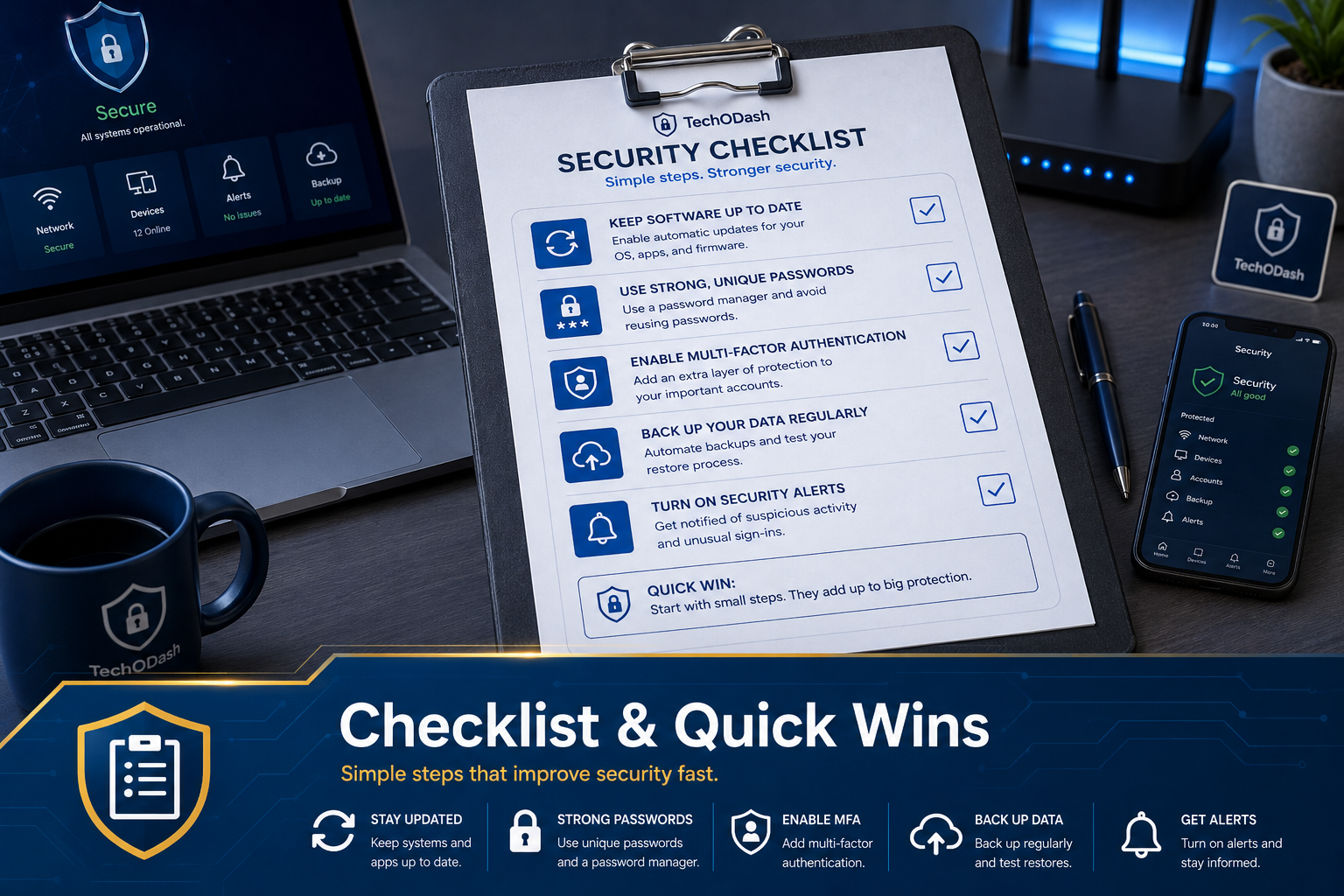
"Security checklist showing quick wins like strong passwords, MFA, backups, and security alerts"

Sometimes you don’t need the full explanation — you just need the fix. This section collects printable, one-page checklists covering the most important security steps, so you can knock out quick wins today and dig into the deeper guides later.

Free Download:
Home Network Security Checklist

12 essential steps to secure your home network — in a free, printable one-page checklist.

Download Free Checklist →